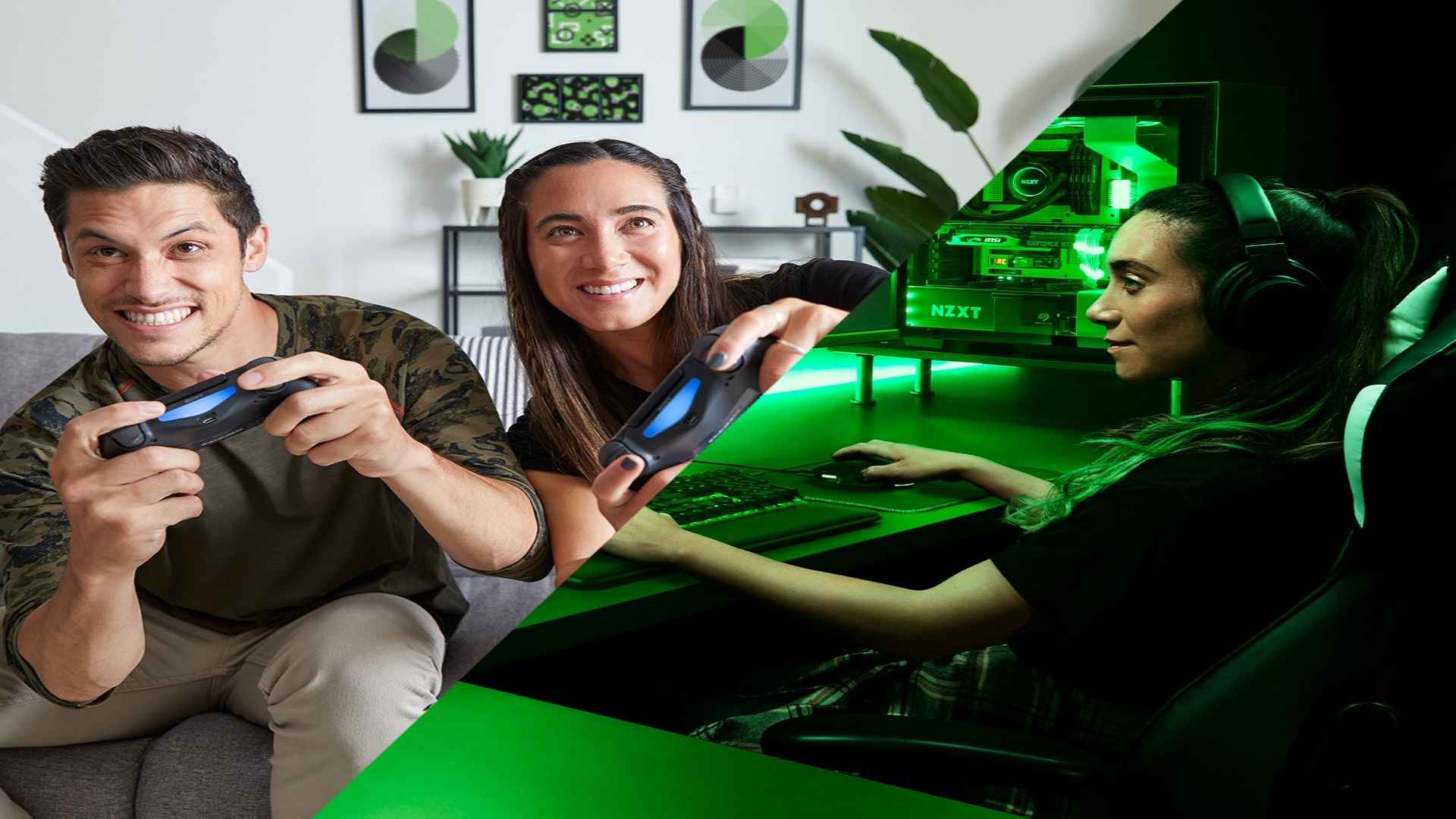
Borderlands 2 remains one of the most celebrated looter-shooters in gaming history, drawing millions of players back to the chaotic world of Pandora. As modern gaming increasingly embraces interconnected multiplayer features, many players wonder if they can team up across different systems. Understanding how this classic title handles modern multiplayer standards is essential for anyone looking to organize a cooperative session with friends.
The Reality of Console Crossplay Limitations
When it comes to playing between entirely different console ecosystems, Borderlands 2 does not support unified crossplay features. Players on PlayStation hardware cannot join lobbies hosted by Xbox users, nor can they connect with Nintendo Switch players. The game was built during an era before system-agnostic multiplayer infrastructures became standard practice in modern development.
Instead, multiplayer functionality is strictly locked within specific hardware families. PlayStation 4 users can successfully link up with players on PlayStation 5, and Xbox One owners can connect seamlessly within the Xbox ecosystem. These generation-spanning connections within the same ecosystem provide the only form of console multiplayer freedom available.
PC Ecosystem Fragmentation and Cross-Network Solutions
The situation on the PC platform offers a much higher degree of flexibility, though it still features specific ecosystem limitations. PC players buying the game through Steam can easily connect with those who own the title on the Epic Games Store. Gearbox integrated the SHiFT matchmaking service to bridge the gap between these prominent desktop marketplaces seamlessly.
However, unexpected compatibility roadblocks often emerge when introducing macOS or Linux systems into the mix. Operating system updates occasionally cause version mismatches between Windows and Mac versions of the game, which can temporarily disable crossplay functionality. Ensuring all players are on identical game version versions is critical before attempting to launch a desktop session.
How SHiFT Services Manage Player Networks
The internal SHiFT system acts as the primary tool for managing friends lists and multiplayer invites inside the game. By creating a unified account, players can generate a unique display name that remains consistent regardless of their chosen platform. This framework helps streamline the process of finding and adding friends who are using compatible systems.
While the service provides a robust method for crossplay in newer titles like Borderlands 3, its implementation in the second installment is more limited. In this classic entry, the network primarily functions to distribute golden keys and manage platform-specific friend interactions. It cannot override the hard structural barriers that exist between isolated console architectures.
Alternative Ways to Coordinate Cooperative Play
If you want to experience the campaign with a companion on a different system, planning your hardware choices beforehand is required. Choosing matching ecosystems remains the only foolproof method to guarantee a smooth and uninterrupted cooperative experience throughout the entire game. Many groups choose to move their sessions to PC to leverage the broader store compatibility options available.
Additionally, local split-screen options offer an excellent alternative for console users sharing the same living space. While online crossplay features remain limited, classic couch co-op functionality is fully supported on most home consoles. This feature allows friends to enjoy the full cooperative experience without needing to worry about complex online network requirements.